Platform · Security and API

Security and API built on Microsoft 365 and Azure

Xoralia uses the security controls already in your Microsoft 365 environment. Your documents stay in your own SharePoint, people sign in with Entra ID, and a system API and webhooks connect data to the rest of your tools.

Security and API

What changes with Xoralia

Five things that keep your documents and data secure with Xoralia, and the problems each one removes.

01 · Documents stay in your SharePoint

Your documents never leave your Microsoft 365 tenant

Documents stay in your own SharePoint, under your existing permissions, retention and security settings. At no point does Xoralia consume or store the contents of your documents. It keeps only what it needs to run, such as document names, metadata set in Xoralia, assignments and read records.

What this fixes

  • Documents copied into a vendor's separate cloud
  • Another system to secure and manage

02 · Permissions and access

People only see what they can already open

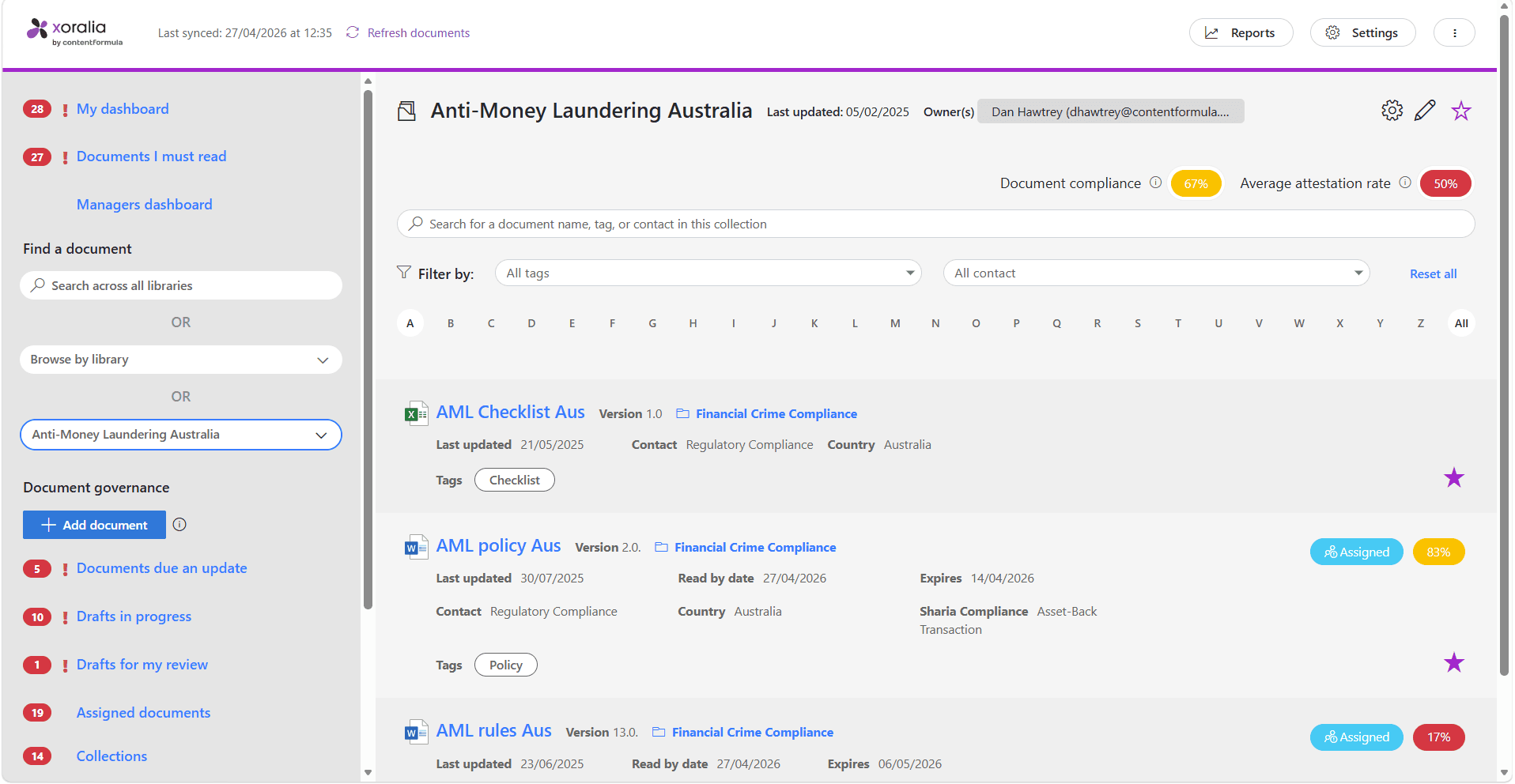
Xoralia queries SharePoint as the signed-in user, so it only shows each person documents they have access to. Roles are clear: a tenant admin installs Xoralia, Xoralia admins associate libraries, document owners assign reads and set expiry dates, and readers read and attest. You can limit Xoralia to chosen users and groups, and install it with the Sites.Selected permission so it only works with the SharePoint sites you pick.

What this fixes

  • Sensitive documents shown to the wrong people
  • Broad access granted just to make a tool work

03 · Sign-in, encryption and threat protection

Entra ID sign-in, with data encrypted end to end

People sign in with Microsoft Entra ID, with support for single sign-on, multi-factor authentication and Conditional Access. Data is encrypted in transit using TLS 1.2+ and at rest using AES-256. Xoralia's Azure services sit behind web application firewalls and virtual networks, with Microsoft Defender for Cloud, Azure Key Vault and regular penetration testing.

What this fixes

  • Another set of passwords to manage
  • Security reviews held up by unanswered questions

04 · Hosting, backup and scale

Hosted in the Azure region you choose

Xoralia is hosted entirely on Microsoft Azure, and you choose where your data is stored during installation: UK South, US Central, Australia East or UAE North. Data is backed up automatically every day to secure, geographically redundant storage, and the application scales on demand under high load.

What this fixes

  • Data held outside the region it must stay in
  • Worrying whether the platform will cope at scale

05 · API, webhooks and integration

Connect data to the rest of your tools

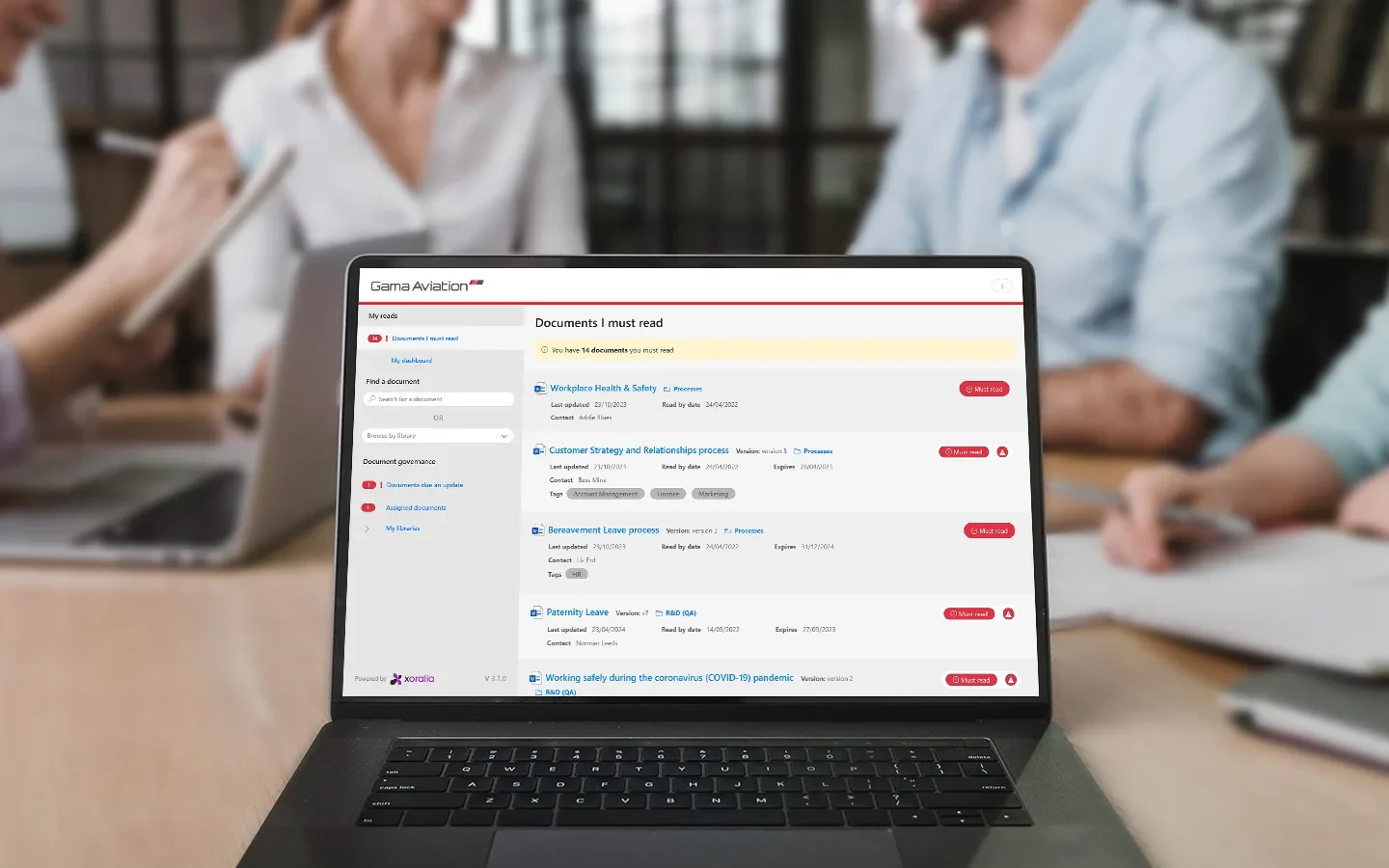
Use Xoralia's system API to access and manage data, and configure webhooks to trigger actions in other systems whenever people acknowledge documents. Send attestation records to your HR system, LMS or reporting tools, and feed Xoralia's audit logs into Microsoft Sentinel or another SIEM. Gama Aviation's CIO uses the API with a PowerShell script to build custom reports for leadership packs.

What this fixes

  • Attestation records stuck in one system
  • Monthly reports assembled by hand

Working through a security questionnaire? Our security FAQs answer the questions IT and risk teams ask most.

Security FAQs

The Xoralia permissions model

Four roles, each set where it belongs

  • 01

    Tenant admin

    Installs Xoralia once

    Accepts the Enterprise Application in the Microsoft 365 admin centre.

  • 02

    Xoralia admin

    Associates libraries

    Connects the right SharePoint libraries and manages settings such as branding.

  • 03

    Document owner

    Assigns and maintains

    Edits documents through SharePoint permissions, sets expiry dates and assigns mandatory reads.

  • 04

    Reader

    Reads and attests

    Reads documents they can open in SharePoint and attests to mandatory reads.

Case studies

UKAD streamlines policy management with Xoralia

UK Anti-Doping

For UKAD, whose work involves a lot of personal details, information security is a top priority. Existing documents stayed in their SharePoint library, with no data risk from migrating files.

Gama Aviation in Xoralia

Gama Aviation

Gama Aviation's CIO uses Xoralia's system API with a PowerShell script to pull specific data and build charts by business unit that go straight into leadership packs.

Frequently asked questions

Where is Xoralia's data hosted?
Xoralia is hosted entirely on Microsoft Azure cloud infrastructure, ensuring enterprise-grade security, scalability, and compliance. All customer data resides within your selected data centre region. Xoralia's data centre regions are UK South, US Central, Australia East, and UAE North
How does Xoralia authenticate users?
Xoralia integrates with Microsoft Entra ID (formerly Azure Active Directory) for authentication, supporting Single Sign-On (SSO), Multi-Factor Authentication (MFA), and all advanced identity management features including Conditional Access.
Is our data encrypted?
Yes. All data handled by Xoralia is encrypted in transit using TLS 1.2+ and at rest using AES-256 encryption standards.
Does Xoralia support compliance with standards like GDPR and ISO 27001?
Yes. Xoralia supports customers' compliance with GDPR, UK GDPR, and other global privacy regulations. Xoralia is hosted on Microsoft Azure, which is certified against standards such as ISO 27001 and SOC 2, and supports HIPAA compliance.
Can Xoralia integrate with our internal security tools or SIEM solutions?
Yes. Xoralia provides audit logs and supports integration with Microsoft Sentinel and other SIEM platforms to help organisations centralise their security event monitoring.
What happens to our data if we stop using Xoralia?
Upon contract termination, customer data is securely retained for a defined period (as per contract terms, usually 60 days) before being permanently deleted in accordance with GDPR and industry best practices. Customers may also request immediate data export and deletion.

Ready to get started?

Connect with us to see how Xoralia simplifies compliance management inside Microsoft 365.