Platform · Reporting and audit trail

An audit trail of who read what, and when, for your SharePoint documents

SharePoint's audit log shows who opened a file. Xoralia shows who read, understood and attested to every policy, procedure and controlled document, by version and date.

Reporting in Microsoft 365

What changes with Xoralia

Five things that change when document reporting runs on Xoralia, and the problems each one removes.

01 · Read reports

See who has read each document, and who still needs chasing

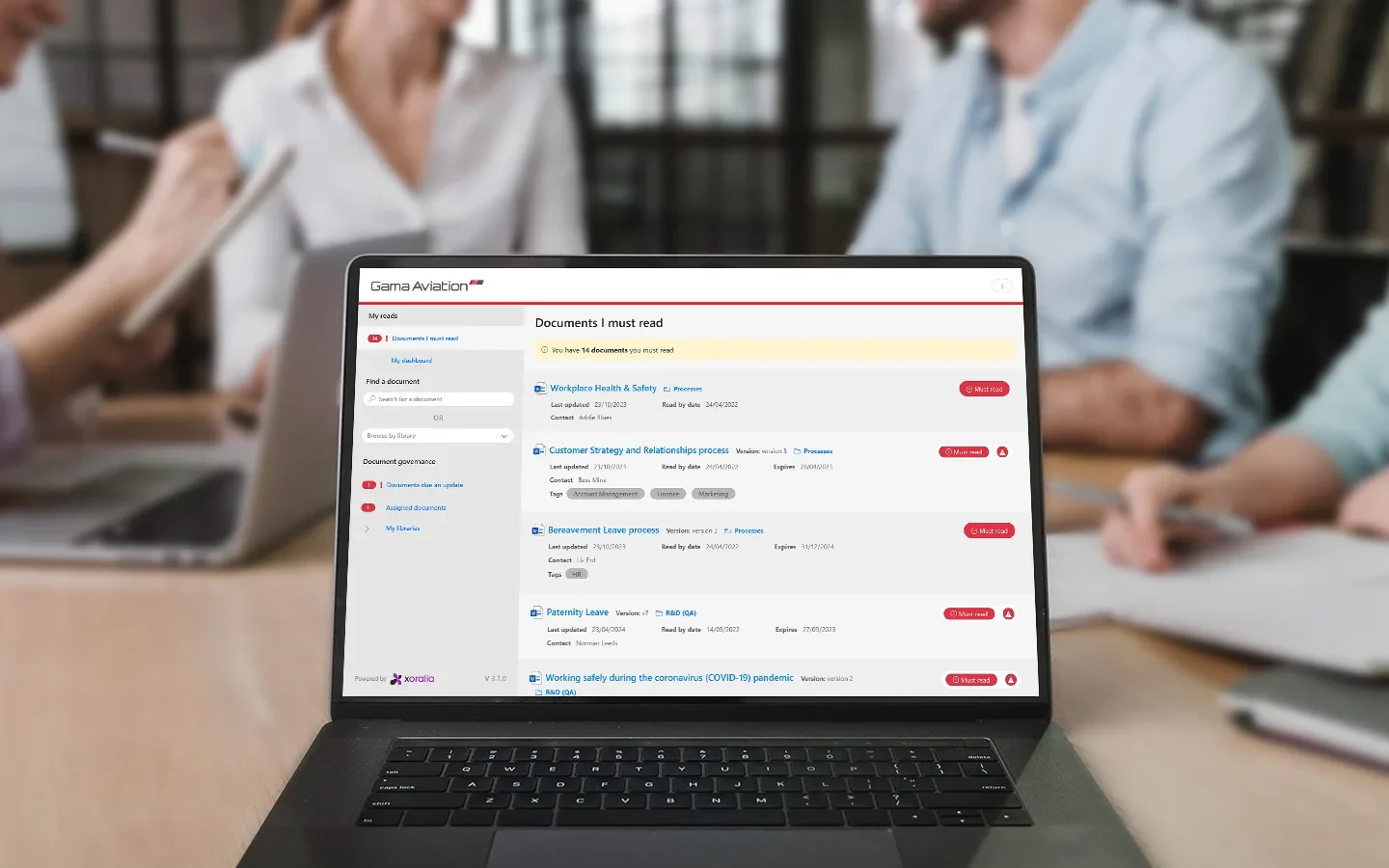
Whenever a document is assigned as a mandatory read, its owner can open a read report showing who in the audience has and has not read and attested to it. Filter the list by department, location and group to see exactly who needs chasing.

What this fixes

  • Not knowing who still needs chasing
  • Pulling read lists together by hand

02 · Snapshot and line manager dashboards

Progress at a glance, for owners and line managers

A snapshot next to each document shows the percentage of people who have and have not attested to it. The line managers dashboard uses the Manager field in Entra ID to show each manager their own team and its overdue tasks, so they can keep their team compliant.

What this fixes

  • Managers who cannot see their own team's compliance
  • Waiting on the compliance team for a status update

03 · Compliance dashboard

One organisation-wide view for compliance teams

The compliance dashboard gives administrators a live view across every document: attestation rates by library, location and department, documents published, in progress, not yet started or expired, and every document owner, reviewer and approver. It stays trimmed to what each admin can already see in SharePoint.

What this fixes

  • No single view of compliance across the business
  • Building status reports by hand

95%+

employee attestation, with policy reads tracked and a custom Power BI dashboard for compliance US financial services organisation

04 · Read history and audit trail

A timestamped record of every read, version and approval

Enhanced read history shows when each person read and attested to a document throughout its version history. Every acknowledgement, version change and approval is timestamped, so you can show which version someone agreed to and when.

What this fixes

  • Not knowing which version someone signed
  • Gaps in the record when a document changes

05 · Evidence for auditors and regulators

Evidence on demand, not a scramble before the audit

Download any report as an Excel file and use it as an audit trail of who electronically attested to each document and when. Gama Aviation answers regulator requests from Xoralia's reporting, and its IT team uses the Xoralia API to build custom reports for leadership.

What this fixes

  • Building evidence packs before every audit
  • Regulator requests that take days to answer
“Most recently Xoralia has been a key part of our regulatory process approved by the aviation authority.”
Daniel Tee, Chief Information Officer, Gama Aviation · Read the story

Reports start with attestation. See how Xoralia assigns documents, chases people and checks they understood.

Policy attestation

How it works

From every read to audit evidence, in four steps

  • 01

    Record

    Every read is logged

    Each attestation is stored with the person, the version and the date.

  • 02

    Track

    Owners and managers see progress

    Read reports and dashboards show who has and has not attested.

  • 03

    Chase

    Close the gaps

    Filter by department, location or group and follow up with the people left.

  • 04

    Export

    Evidence on demand

    Download reports to Excel for auditors and regulators.

Case studies

Gama Aviation in Xoralia

Gama Aviation

A global business aviation provider answers regulator requests from Xoralia's reporting, with 94% attestation across its workforce and custom reports for leadership built on the Xoralia API.

Xoralia drives compliance for US financial services

US financial services organisation

An insurance and financial planning organisation replaced its legacy system, now tracks policy reads with 95%+ attestation, and reports on compliance through a custom Power BI dashboard.

Frequently asked questions

Doesn't SharePoint already have an audit log?
SharePoint's audit log records activity on files, such as who opened, edited or deleted them. It does not record whether someone read and understood a document, or which version they agreed to. Xoralia fills that gap: it records who has and has not read and attested to each document, which version they confirmed and when, and any change a document owner makes to someone's read status is logged with their name. Reports can be filtered by department, location and group and exported to Excel for auditors.
What is policy tracking software?
Policy tracking software helps monitor the status of policies and other documents, track changes, ensure timely reviews, and verify employee acknowledgements. Organisations need it to stay compliant and to make sure documents reach the right people. Xoralia automates these tasks and records every document activity in real time.
What is an audit-ready policy solution?
An audit-ready policy solution keeps an organisation ready for a compliance audit at any time: every document is up to date, there is evidence that employees have read and understood them, and audit trails are in place.
Can Xoralia track if employees have read HR policies and procedures?
Yes. Xoralia records acknowledgements for each user, giving HR full visibility of who has read or not read specific documents.
Can I export reports for auditors?
Yes. Reports can be downloaded as Excel files and used as an audit trail of who electronically attested to each document and the date they attested.

Ready to get started?

Connect with us to see how Xoralia simplifies compliance management inside Microsoft 365.